Guides / Technology and platform
How to set up your Android device to work with Virtual Desktop
How-to guide / 1 min read

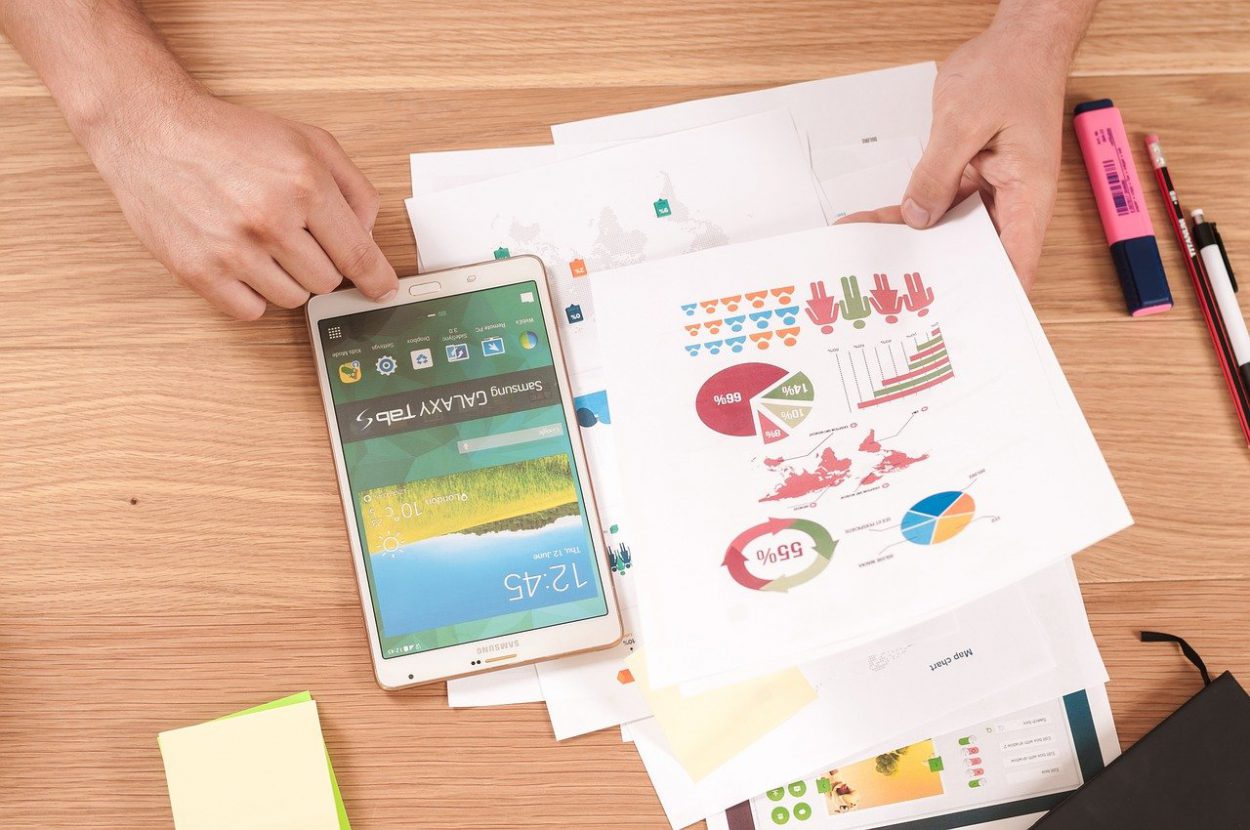
An Android phone on a desk
Our virtual desktop service provides fast and reliable service from any device. We have taken care of both the reliability of your data and a quick, easy connection. You can reach your virtual desktop from your Android phone or tablet by following the instructions below.
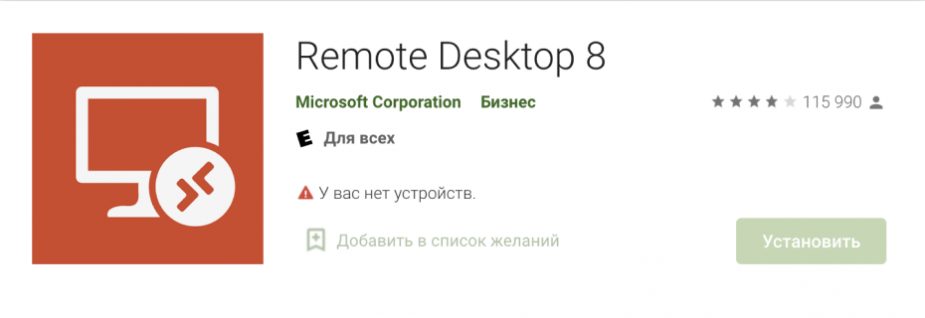
- Install the appDownload the Microsoft Remote Desktop app from Google Play and launch it from the list of applications.
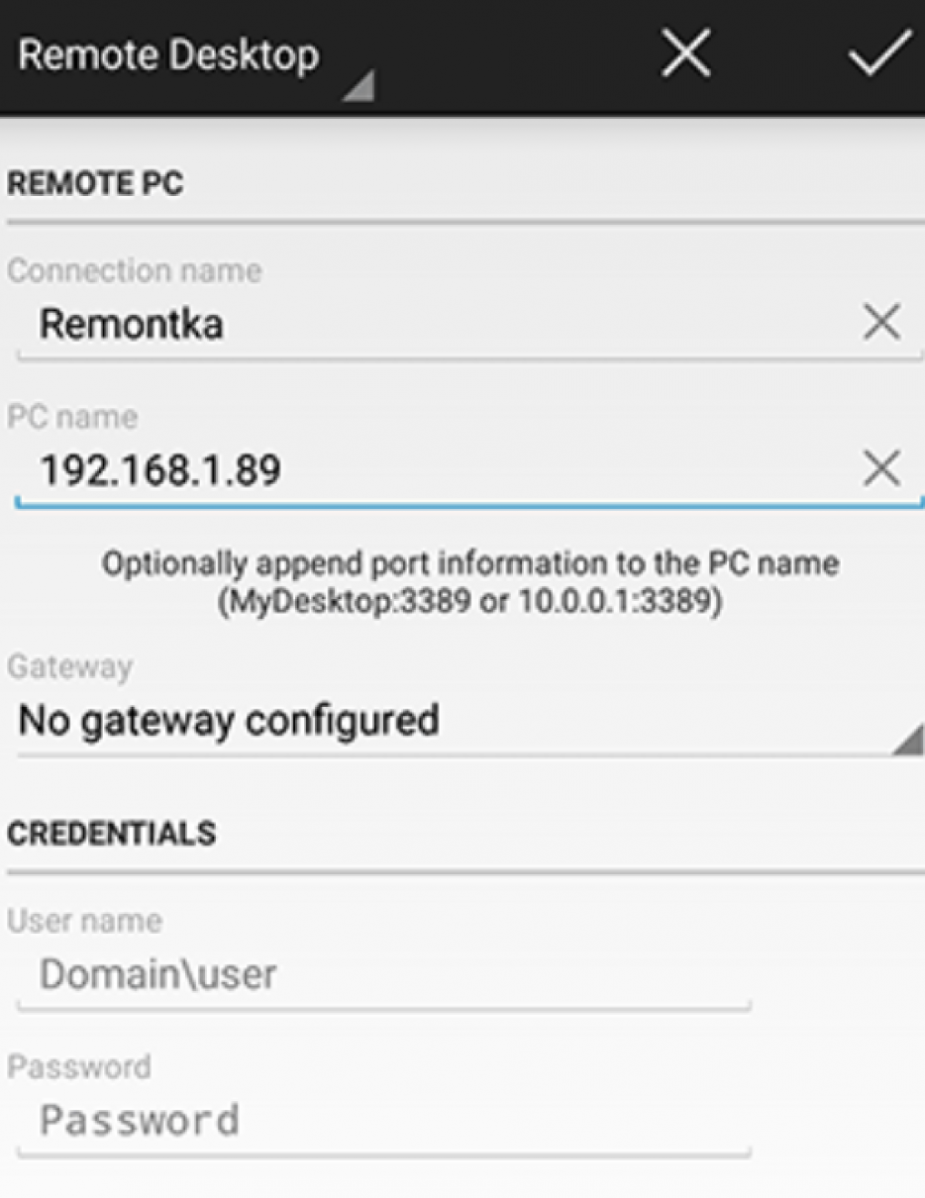
- Add the remote computerOn the main screen, tap Add, and give the connection any name you want.
- Enter the address and sign inEnter the IP address in the PC Name field, then enter your user name and password.
You can also configure extra parameters. After that you can connect to and control your virtual desktop from your Android device. For any help, you can always get in touch by email.
A desktop of its own, delivered instantly
Four packages from $11.95 a month on a server-class host, with a dedicated public IP, unmetered traffic and administrator rights. The login is in your inbox the moment you sign up.