Clear

Clear
Category: Supported Technologies
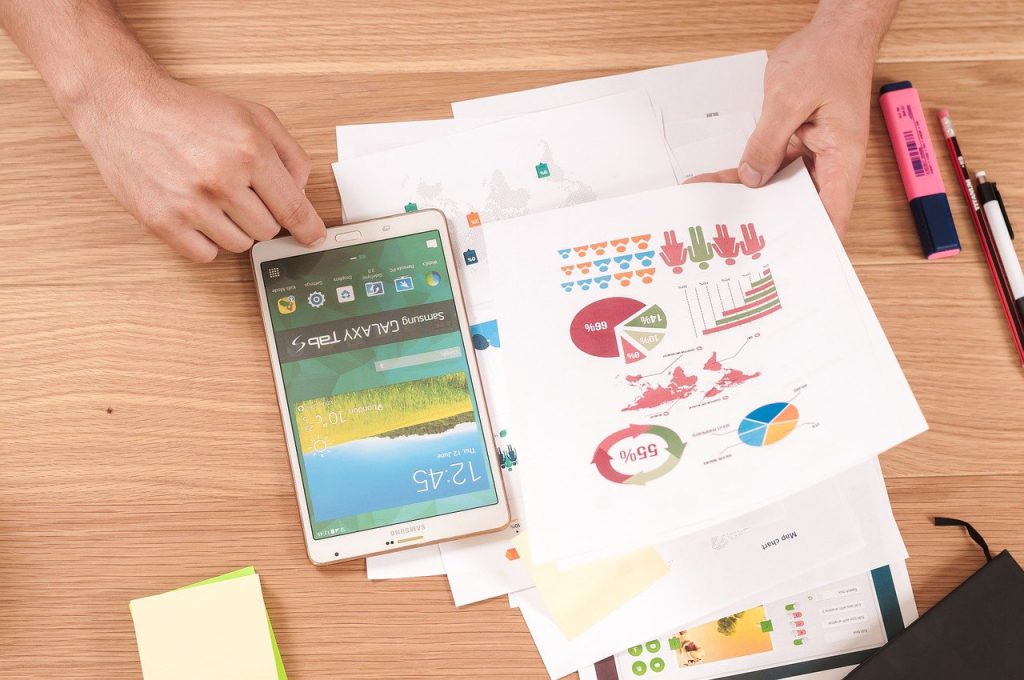
How to set up your Android device to work with Virtual Desktop
Our new Virtual Desktop Service provides you fast and reliable service from any device. We have taken care of both the reliability of your data and the quick and easy connection using our instructions. So access your Virtual Desktop from your Android phones and tablets. Follow the instruction below. 1. Firstly download the Microsoft Remote...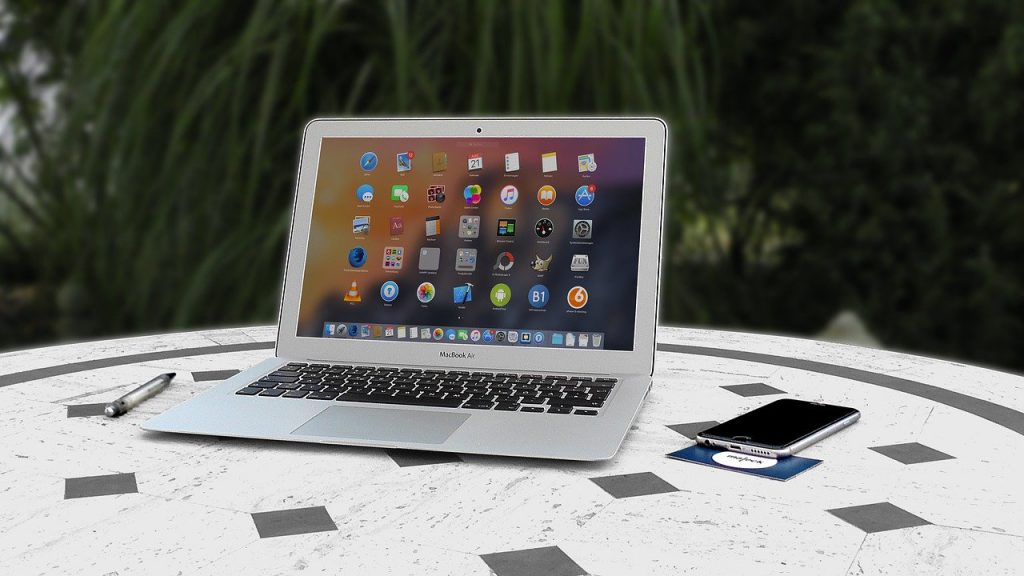
How to set up your Mac to work with Virtual Desktop
Our new Virtual Desktop Service provides you fast and reliable service from any device. We have taken care of both the reliability of your data and the quick and easy connection using our instructions. You can easily work with a remote desktop using the MacOS system. Follow the instruction below to access. 1. Firstly download the...
New Graphic Capabilities for Virtual Desktop Packages
Infosaic is pleased to announce a significant upgrade to our Virtual Desktop Product line. Infosaic’s Standard and Advanced Virtual Desktop packages have been significantly enhanced with new Graphic’s capabilities: both packages will use Video Card by default and are assigned dedicated Video RAM (VRAM). Infosaic clients will greatly benefit from this improvement as Graphic cards...